
If you are collaborating on a Flow, you can help shape up ideas and build the project by adding your own germs, or weighing in your opinion through comments.
To add a comment:
- Double click on the germ for which you would like to add a suggestion.
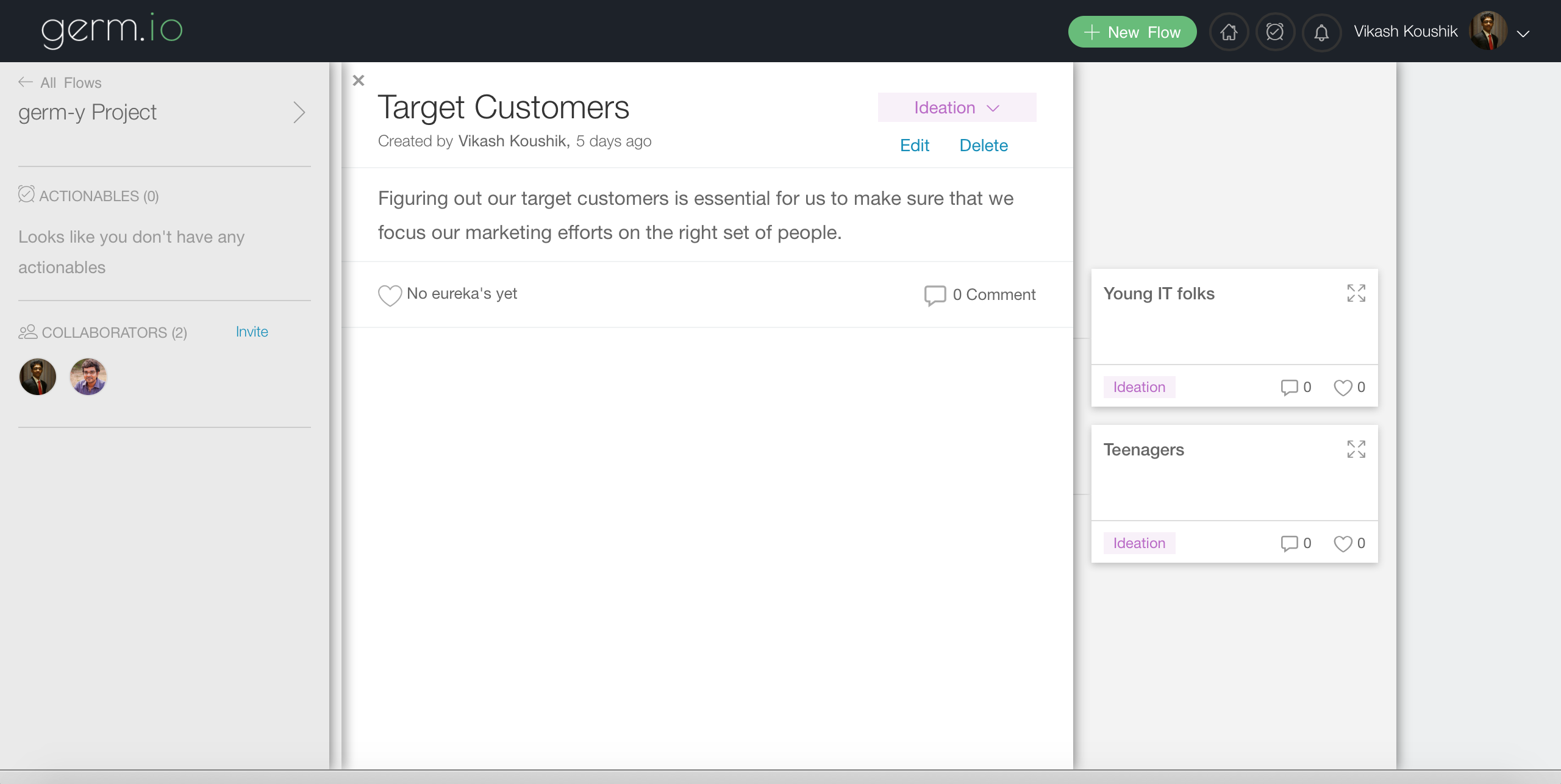
- Click on the "COMMENT" icon on the bottom right to open up the comment section.
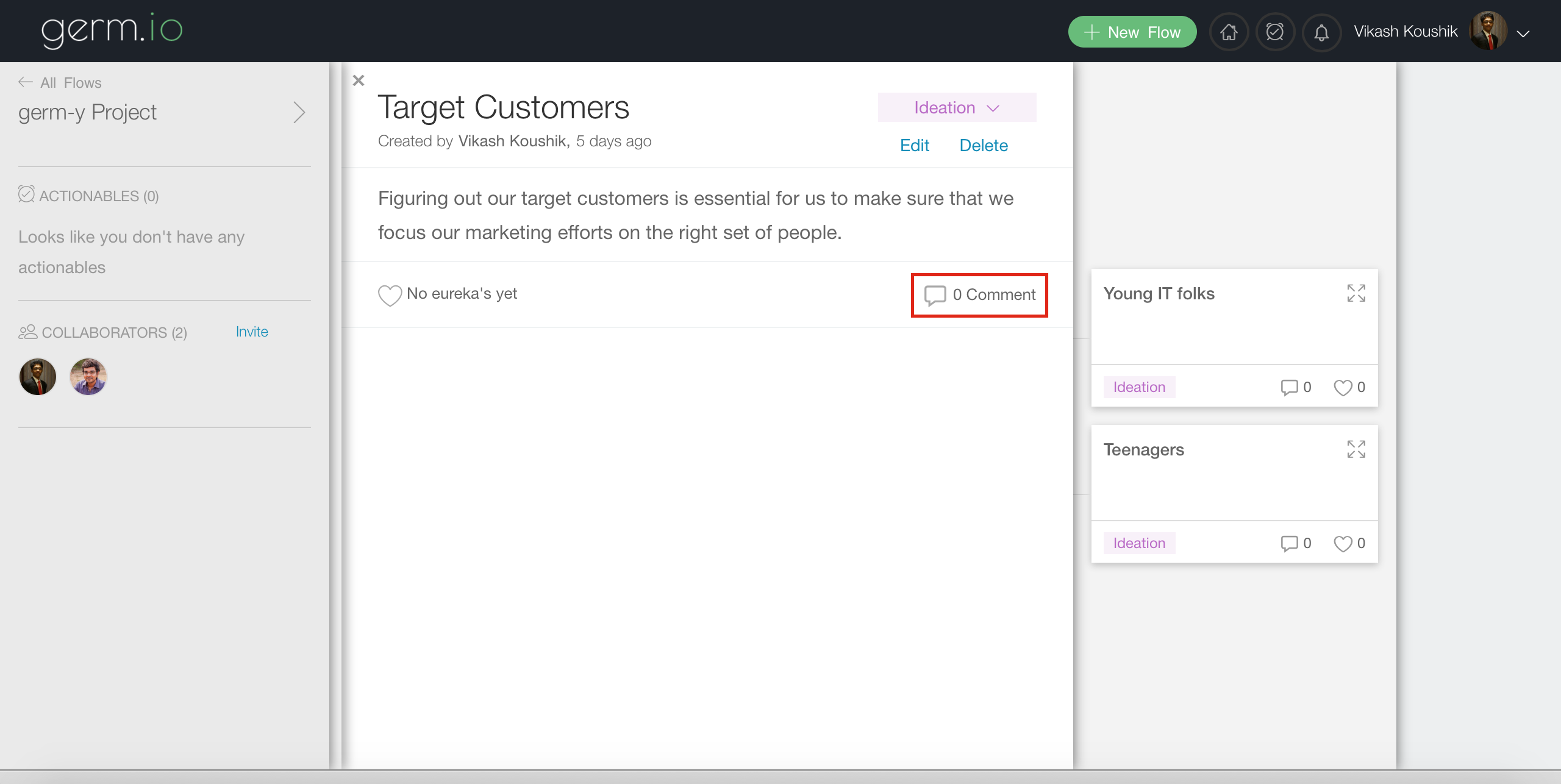
- Type your comment into the input box with the help of the editor and click on the "COMMENT" button, to post your comment. You can also format your comments with rich text.
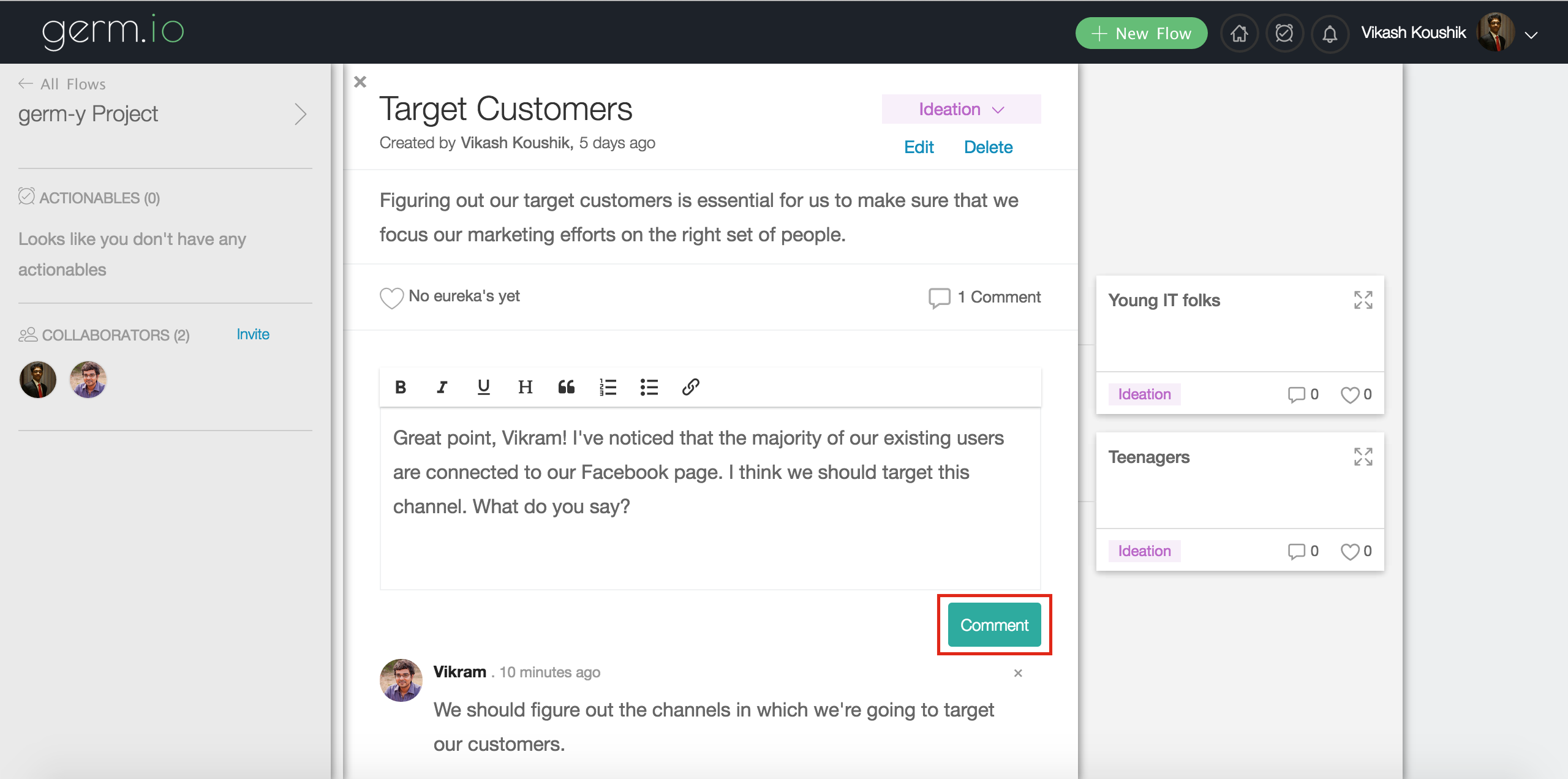
You would receive a notification on the top-right of your window when your teammate comments, eureka-s or changes the state of the germ.